3D Renderings & Walkthroughs
Photoreal exterior and interior renderings, plus animated walkthroughs, that let clients see the finished home before construction starts. Built from your drafting plans and used for presale marketing, buyer sign-off, and builder or contractor coordination.
What this service is and who it's for
A set of drawings tells a builder how to build a house. A rendering tells everyone else what that house is actually going to look and feel like. This service turns your floor plans and elevations into photoreal still images and, where needed, animated walkthroughs, so the design can be reviewed, sold, or approved before anyone commits real money to construction.
This is the right service if you're a homeowner who wants to see a custom design before signing off on final drawings, a builder or developer presenting a spec home or presale unit to prospective buyers, a contractor who needs a clear visual to coordinate trades and avoid change-order surprises, or a real estate professional marketing a property that exists on paper but not yet in the ground. It pairs naturally with a custom design project, but it also works as a standalone add-on to plans you already have.
What's included / deliverables
Exterior renderings
Photoreal exterior stills showing siding, roofline, window and door placement, landscaping context, and material and color selections, from the angles that matter for marketing or client approval.
Interior renderings
Room-by-room interior stills reflecting your finish selections, including flooring, cabinetry, countertops, lighting, and paint or wall treatment, so buyers and clients see a finished space, not a blank shell.
Walkthrough animations
Animated video sequences that move through the model room to room or around the building exterior, giving viewers a sense of flow, scale, and layout that a single still can't provide.
Presentation-ready files
Final images and video files formatted for use in listing packets, sales presentations, lender or investor materials, and client review meetings.
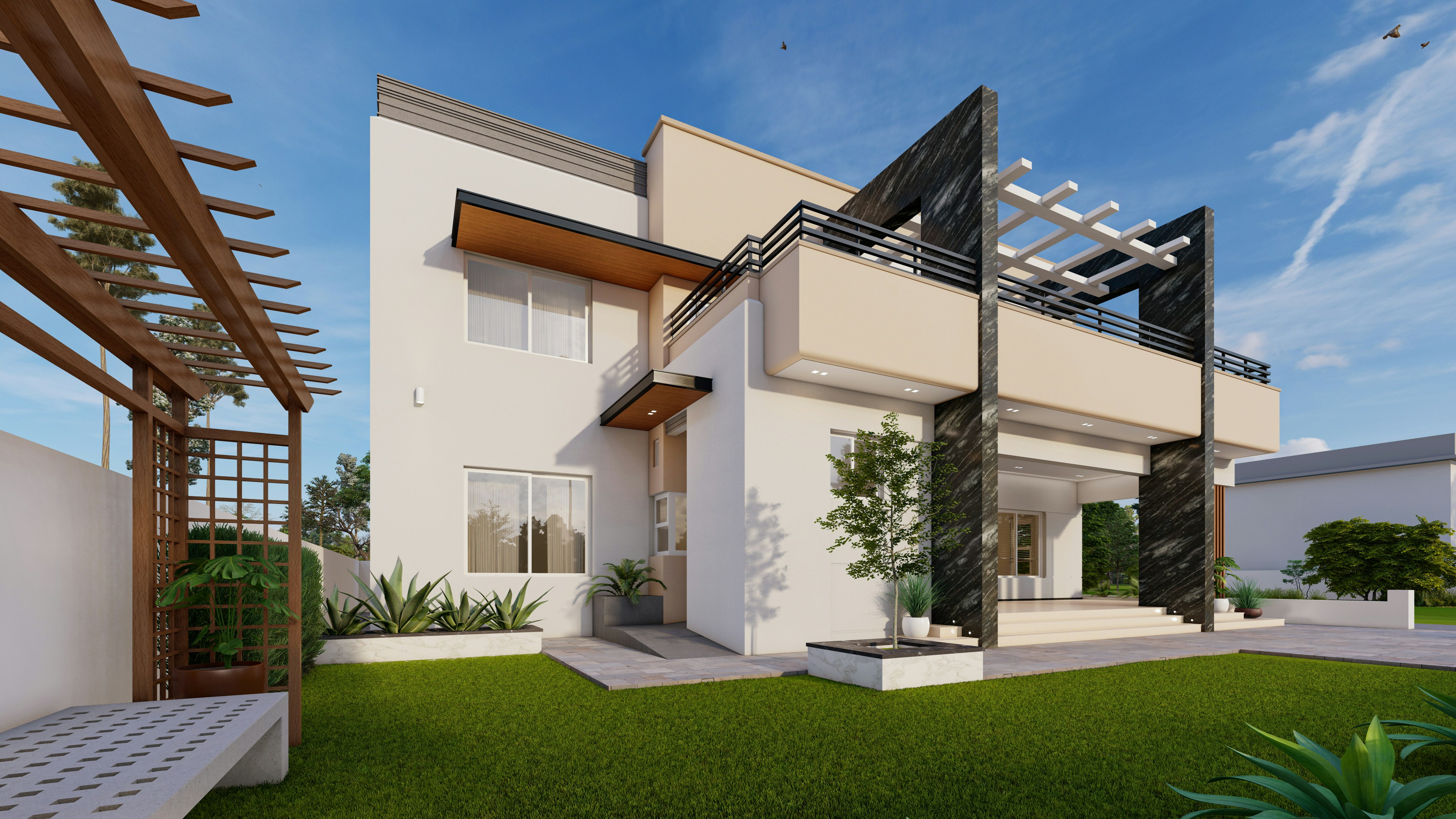
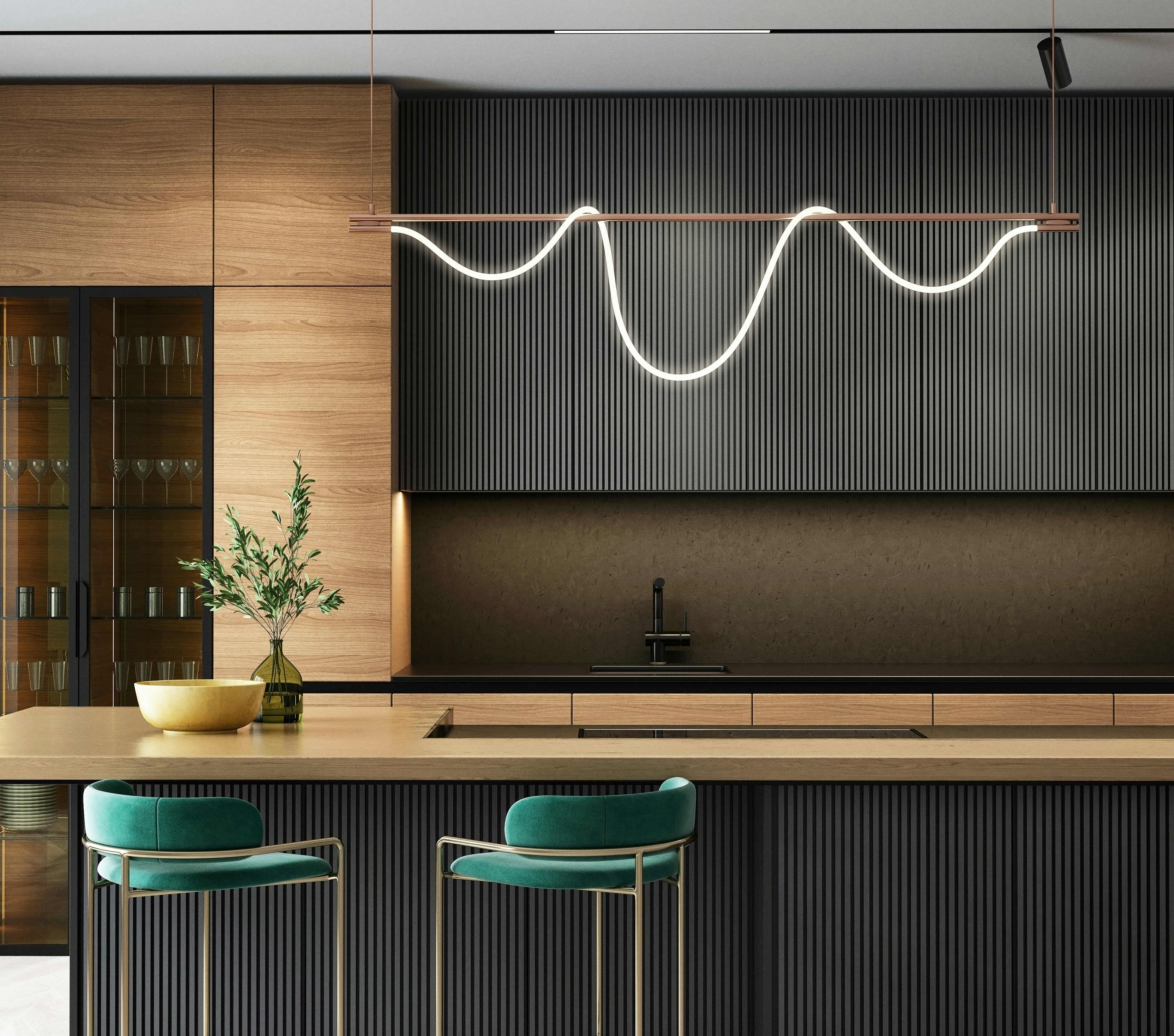
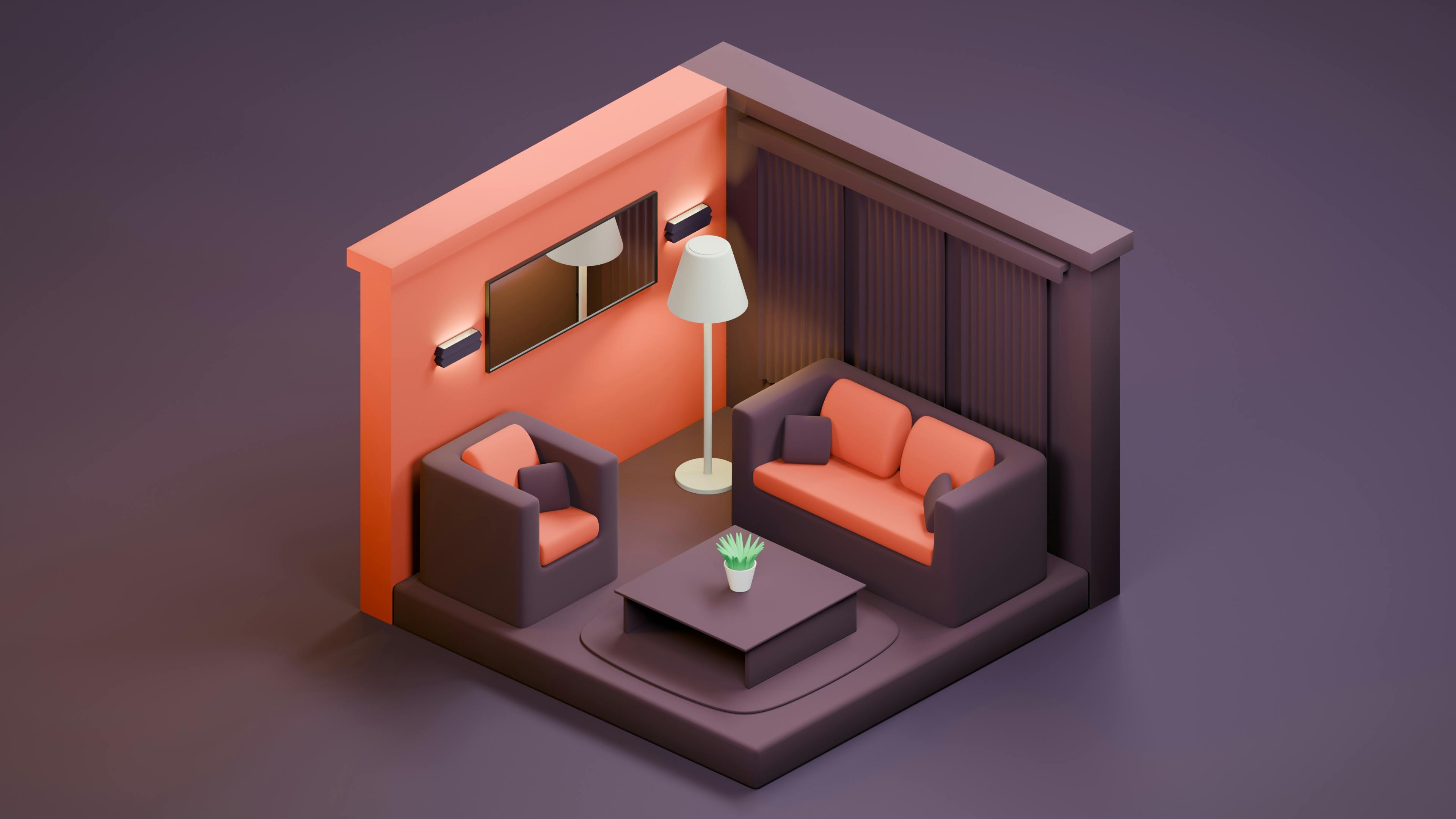
Illustrative reference renderings, not Apex Drafting client work.
Our process for 3D renderings and walkthroughs
- Source plans confirmed. We start from your finished or in-progress floor plans and elevations, either drawn by Apex Drafting or supplied by you.
- Finish and material selections gathered. You tell us the exterior materials, colors, interior finishes, and fixtures you want reflected in the model.
- 3D model built. We construct the digital model of the structure based on the confirmed plans and selections.
- Renderings or walkthrough produced. Still images or animated sequences are generated from the model at the angles and views agreed on at quote.
- Review and revisions. You review the output and request changes. A set number of revision rounds is included and confirmed at quote.
- Final delivery. Finished images and video files are delivered in formats ready for presentation, marketing, or client sign-off.
Working on a 3D Renderings & Walkthroughs project right now?
Send us the lot and what you want to build. We'll confirm which local rules apply to your parcel and come back with a firm number, at no cost.
Turnaround
Turnaround depends on the scope of the project, the number of rooms or exterior views involved, and whether the deliverable is a still rendering package or a full animated walkthrough. Timelines vary by project scope and are confirmed once we've reviewed your plans and finish selections at quote.
See examples
Real rendering and walkthrough examples are being added as projects are completed. Visit the portfolio page to see current work as it's published.
Related services
Renderings work best when paired with a complete set of drawings. If you're starting from scratch, our custom house plans service can produce the plans your renderings will be built from. If you're visualizing an addition or remodel, see home additions & remodel drafting. Planning an accessory dwelling unit and want buyers or lenders to see it before it's built, check out ADU plans & design.
Frequently asked questions
Do I need finished plans before you can build a rendering?
You need at least a working floor plan and elevations, even in draft form. If Apex Drafting is drawing your plans, we can move straight from the drafting phase into renderings without you re-supplying information. If you already have plans from another source, we can work from those as long as they're complete enough to model accurately.
What's the difference between a still rendering and a walkthrough?
A still rendering is a single photoreal image of one view, such as a front elevation or a kitchen. A walkthrough is an animated sequence that moves through the model room to room, or around the exterior, so a viewer gets a sense of flow and scale rather than one fixed angle.
Can you render interior finishes like flooring, cabinets, and paint colors?
Yes. Interior renderings can reflect the finish selections you provide, including flooring, cabinetry, countertops, paint or siding color, and fixtures, so what you're presenting matches what will actually get built or sold.
How many revisions are included?
A set number of revision rounds is included with every rendering package. The exact count is confirmed at quote based on the scope of the project, whether that's a single exterior still or a full walkthrough animation.
Can renderings be used for presale marketing or investor packets?
Yes. Photoreal stills and walkthroughs are commonly used in listing packets, presale marketing, lender and investor presentations, and buyer-facing sales materials well before a shovel goes in the ground.
Do you offer this service outside Texas, Florida, New York, California, Arizona, and Utah?
These six focus states are our primary focus, but drafting and rendering work is done 100% remotely, so we serve clients nationwide.
Get a Free Quote for Your 3D Renderings & Walkthroughs Project
Tell us what you're building and we'll scope it, confirm the timeline, and give you a firm number before any drafting starts. Every plan set is drafted to your local jurisdiction's documentation standards.
Prefer to talk it through? Call (435) 990-3556.
See your project before it's built
Get a photoreal rendering or walkthrough that gets your clients, buyers, or lenders to yes.